The smarter, faster, safer way to pay your bills
Pay approved bills directly in 30+ currencies directly from ApprovalMax – no need to switch between systems or re-enter payment details. Control your entire accounts payable process from one place.
Why use ApprovalMax Pay?
Pay like a local, globally
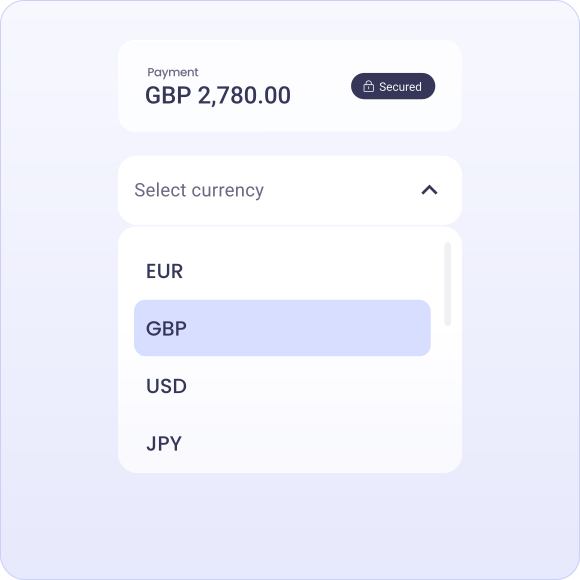
Move money with ease – from Manchester to Madrid or Brisbane to Berlin. With ApprovalMax Pay, you can convert funds and pay both local and international suppliers in 30+ currencies across 150+ countries, all within your existing approval workflows.
Approve payments on the go
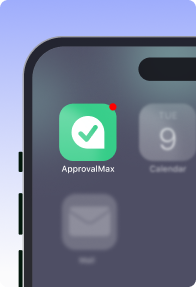
Use the ApprovalMax mobile app to review and approve payments on the go. Whether you're working remotely or in transit, you can keep the payment process moving without delays - right from your phone.
Stay in control with smart roles and permissions
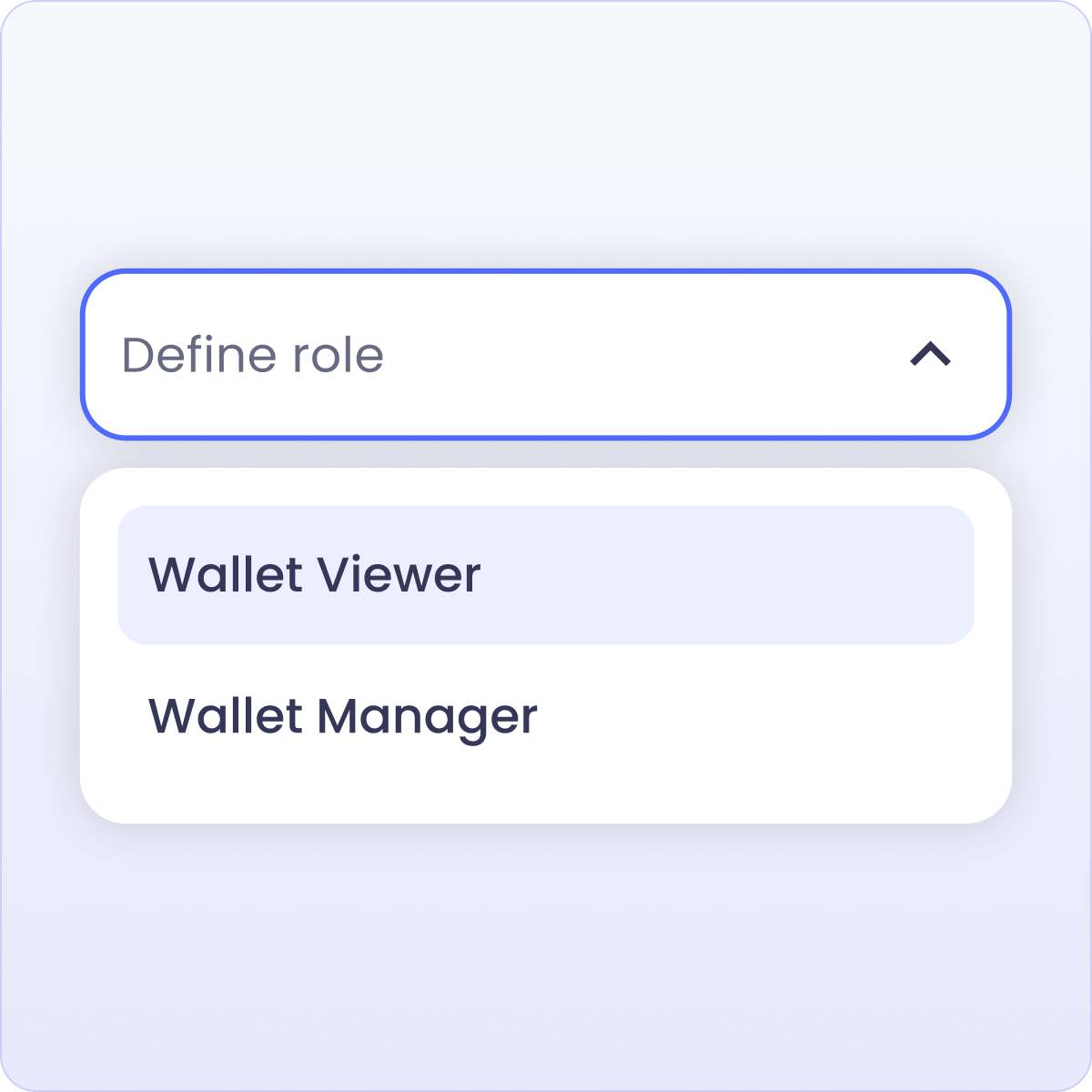
Custom wallet permissions give you tighter control over who can convert currencies, approve payments, and release funds — without exposing bank details or compromising financial security.
Save time on every payment
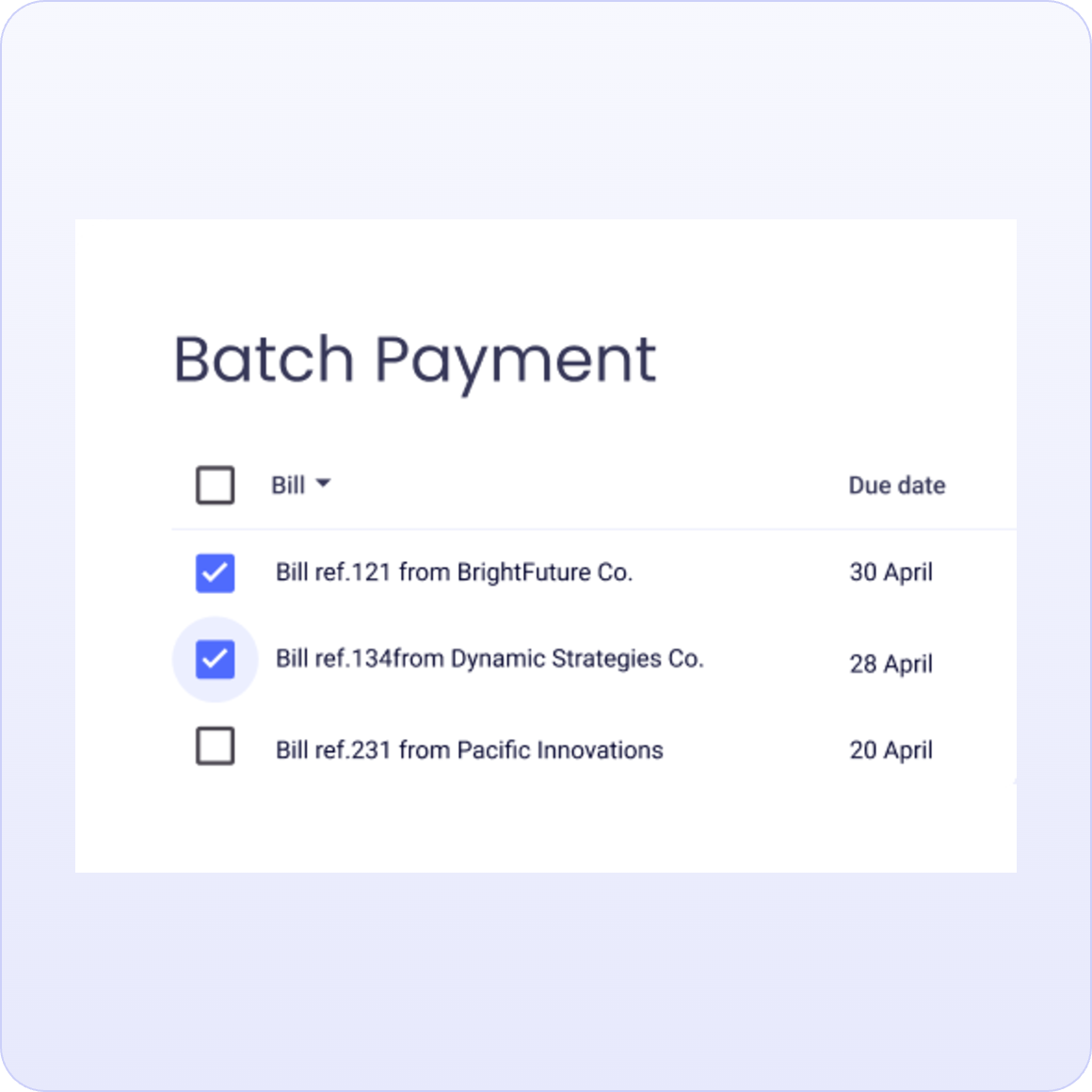
Processing dozens of supplier bills at month-end? With ApprovalMax Pay, you can batch up to 200 payments – across any currency, to any supplier – and send them in a single click.
See fees upfront, reconcile with ease
With pay-as-you-go fees, you only pay for the transactions you make. ApprovalMax records fees as separate line items in Xero, and one-click reconciliation pulls everything in automatically — no manual entry required.
Schedule global payments
Plan and schedule supplier payments in advance — keeping better control of cash flow while avoid last-minute payment runs and reducing pressure at month-end.
Approve with confidence, reduce risk
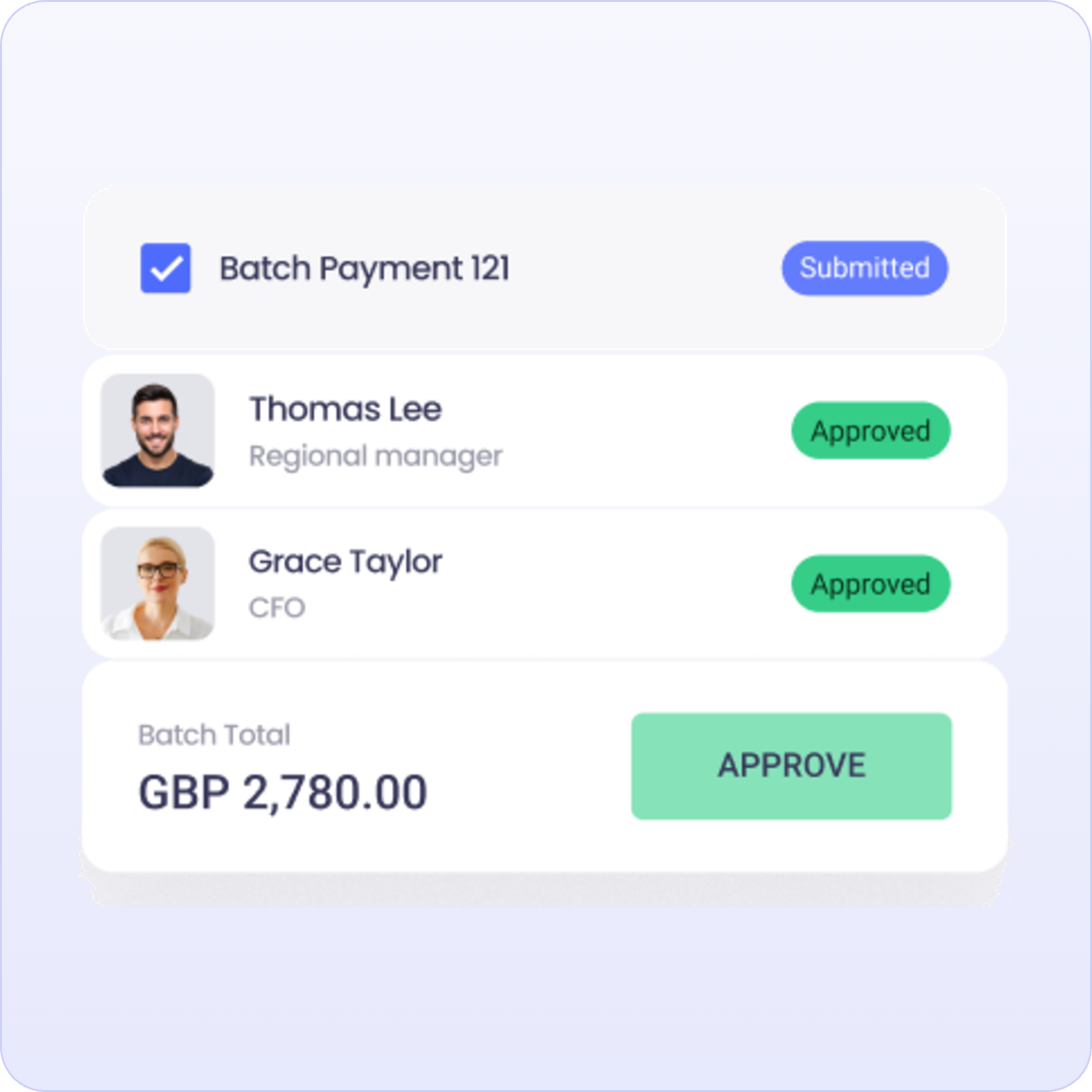
All payments follow your approval workflows, ensuring oversight before money moves. For UK payments, built-in Confirmation of Payee helps prevent fraud by verifying account details before funds are sent
Take control from preparation to payment
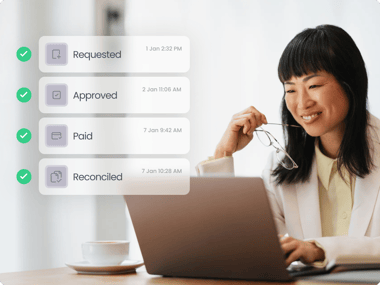
ApprovalMax brings purchase orders, approvals, and payments into one secure, automated workflow. No need to re-enter data, chase approvals, or jump between tools. By managing everything in one place, you reduce errors, gain visibility, and build stronger financial discipline — from request to reconciliation.
Getting started
ApprovalMax Pay is available for UK-based businesses using Xero. Connect your existing UK bank account via Open Banking to make local payments, or open Wallets to send funds globally. Wallets are opened in your company’s name and powered by Currencycloud, a Visa company, offering trusted, bank-grade infrastructure.
What our clients say about ApprovalMax?
Frequently asked questions
Who can use ApprovalMax Pay?
International companies with a UK entity or UK bank account can use ApprovalMax Pay. We are extending availability to additional regions and platforms over time.
Businesses can use ApprovalMax Pay in two ways:
- Via Wallets, by funding a dedicated payment balance inside ApprovalMax Pay
- Via Open Banking, using a connected UK bank account
What currencies can I pay in?
Wallets supports payment in 35 currencies, including international payments and currency conversion.
Open Banking payments are currently available in GBP.
What technology is behind ApprovalMax Pay?
ApprovalMax Pay is built on a regulated payment infrastructure and uses two complementary technologies:
1) E-money and virtual account infrastructure (Wallets)
Wallets are powered by regulated electronic money (e-money) and virtual account infrastructure provided by Currencycloud, an authorised Electronic Money Institution (EMI).
Wallets enable balance-based payments, including local and international payments, using safeguarded funds held in accordance with regulatory requirements.
2) Open Banking technology
ApprovalMax Pay uses the UK Open Banking protocol to securely initiate payments directly from your bank account. Open Banking services are provided through Yapily, an authorised Open Banking provider operating under applicable UK regulation. This allows payments to be initiated with your explicit consent, without sharing bank login credentials.
How secure is ApprovalMax Pay?
Security is central to ApprovalMax Pay:
- Open Banking uses secure authentication and encrypted data sharing
- Wallets are protected by a regulated payment infrastructure and internal controls
- ApprovalMax holds security certifications, including ISO 27001
All payments follow ApprovalMax’s approval workflows and audit trails.
Why is this a safer way to make payments?
ApprovalMax Pay separates payment initiation from payment execution.
Team members can prepare and submit payments, but:
- Cannot withdraw funds
- Cannot bypass approval workflows
- Cannot change supplier details without permission
- Payment execution is protected by Two-Factor Authentication (2FA)
Every action is logged with a full audit trail, showing who did what and when.
Can I limit who makes payments?
Yes. You can control who can initiate payments by:
- Role and permission
- Approval Workflow
- Organisation
This applies to both Open Banking payments and Wallet payments.
Can I control beneficiary creation and changes?
Yes. In Contact Payment Details, you can control who can:
- Create beneficiaries
- Edit payment details
- Remove beneficiaries
This segregation of duties adds an extra layer of protection against fraud.
Is ApprovalMax Pay a bank?
No.
ApprovalMax Pay is not a bank and does not provide banking services.
Wallet balances are used solely for payment execution purposes and are provided through a regulated payment infrastructure.
ApprovalMax Pay enables payment initiation and management, but does not offer deposit-taking services.
Do approval workflows apply to both Open Banking and Wallet payments?
Yes.
All payments—regardless of method—must pass through ApprovalMax’s:
- Approval workflows
- Role-based permissions
- Supplier controls
- Audit trail
The payment method does not bypass governance or controls.
How is ApprovalMax Pay priced?
ApprovalMax Pay uses different pricing models depending on the payment method you choose.
There are no hidden fees, and charges are clearly shown before you make a payment.
1. Wallets works on a pay-as-you-go pricing model. You can find information on how fees are charged here.
2. To use Open Banking payments, you need to purchase the Pay add-on. This is billed monthly alongside your existing ApprovalMax subscription.
Unlock a secure and convenient way to pay bills
Use open banking technology to pay approved bills in a single platform using ApprovalMax Pay.