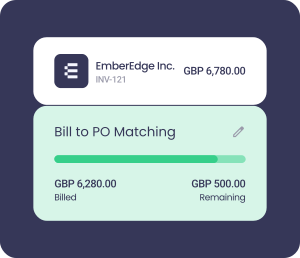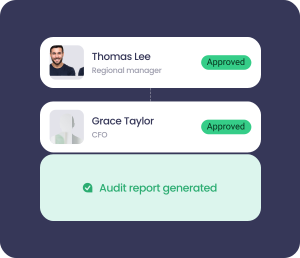




























The AP approval layer for QuickBooks Online
QuickBooks Online runs your accounting. ApprovalMax makes sure every dollar going through it has been properly approved, checked, and documented - before it moves.
Features
What ApprovalMax adds to QuickBooks Online
Accounts payable
Every bill, PO, and expense routed to the right approvers automatically. No forwarding, no chasing, no gaps.
Approval workflows
Rules-based routing that moves invoices through the right approval chains based on vendor, amount, department, or any policy you set.
Fraud and audit
Duplicate invoices flagged. Bank detail changes caught. Every approval logged in an immutable, timestamped audit trail.
Security
Approvers access only what they need to see - without ever logging into QuickBooks Online.
Collaboration
Approvers get notified automatically and can act from any device. No portal login required.
ApprovalMax is built to work with QuickBooks Online - not around it
It syncs. Every step.
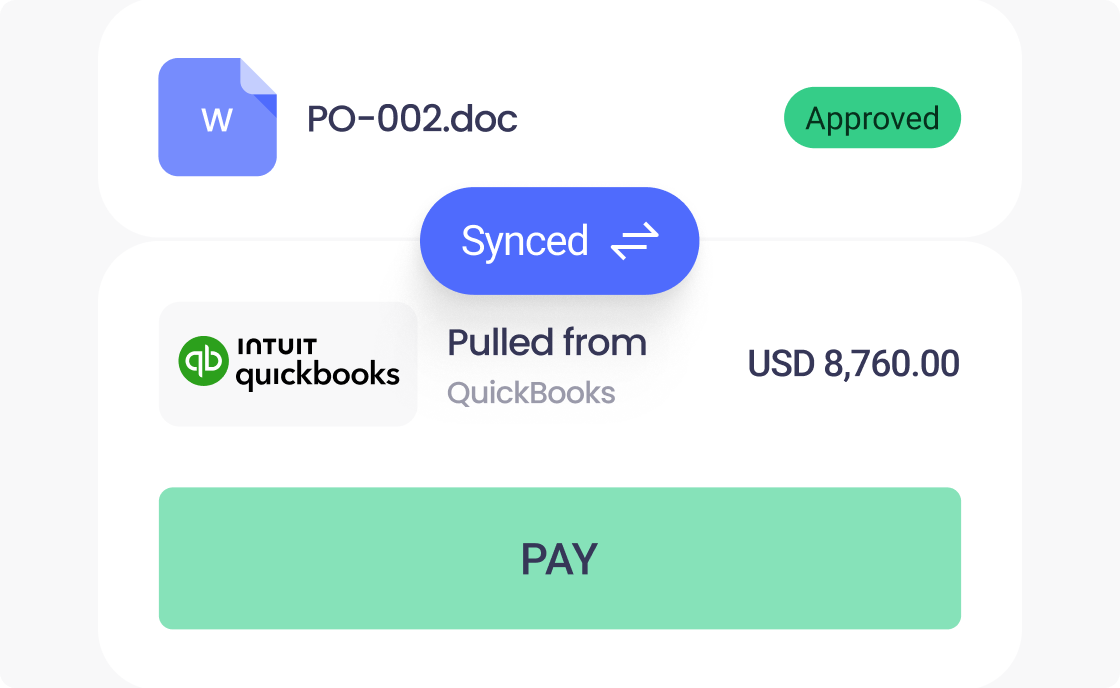
ApprovalMax connects directly to QuickBooks Online and stays in sync throughout the approval process. What's approved in ApprovalMax is reflected in QuickBooks Online - automatically, with no manual re-keying.
Approvers don't need a QuickBooks Online licence
Give people visibility into the documents they need to review without opening up your accounting system. Approvers act in ApprovalMax. QuickBooks Online stays clean.
Your existing data capture tools still work
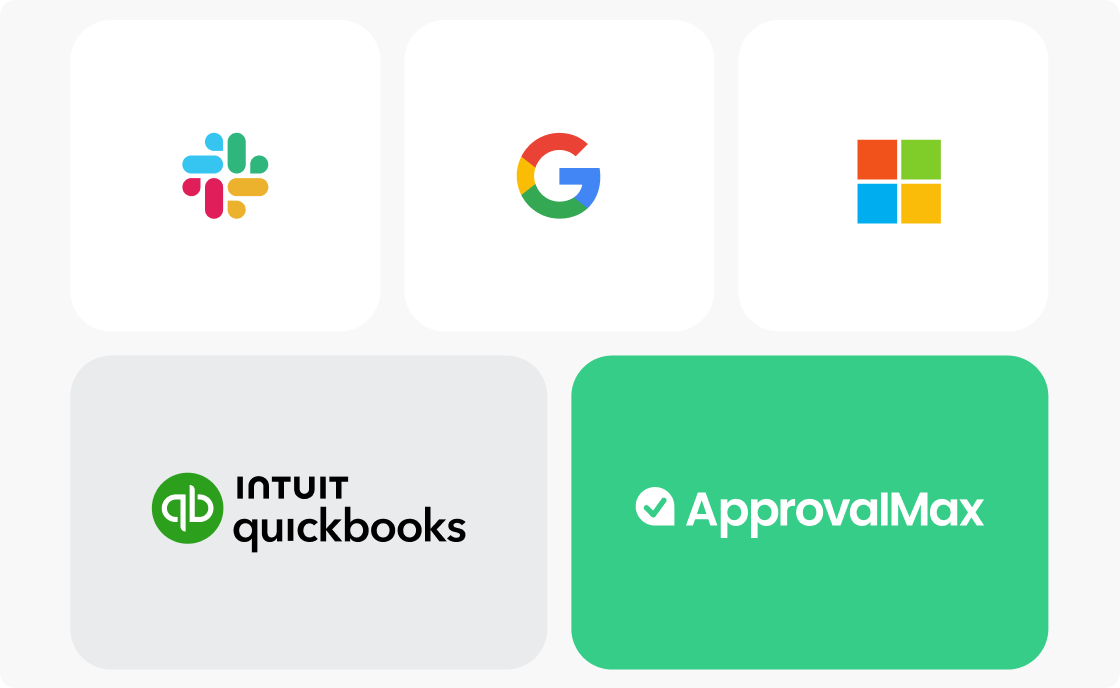
Already using Dext, Hubdoc, or another capture tool? ApprovalMax sits downstream of capture and upstream of QuickBooks Online - it doesn't replace what you have, it completes the workflow. Invoice capture → ApprovalMax approval → QuickBooks Online.
One platform, however your business is structured
From a single-entity business running straightforward bill approvals to a multi-entity organization with tiered spending policies - ApprovalMax scales without requiring a new system every time you grow.
Up and running in minutes
Connect ApprovalMax to QuickBooks Online in a few clicks. Set your approval rules - by vendor, amount, department, or any combination - and the system handles the rest. Approvers get notified, act from any device, and every decision is logged automatically.
No implementation project. No disruption to your existing workflow. Customers report their teams go live within days of signing up.
Workflows and benefits
Approval automation
Route every bill, PO, and expense through the right approval chain - automatically, based on rules you define.
Bill processing
Bills flow from capture into ApprovalMax for approval, then sync to QuickBooks Online. No manual steps in between.
Purchase order management
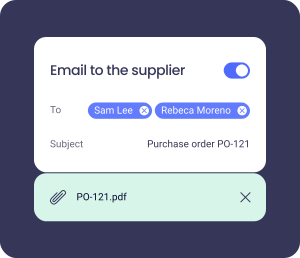
Create, approve, and send purchase orders to suppliers without leaving the approval workflow.
Bill-to-PO matching
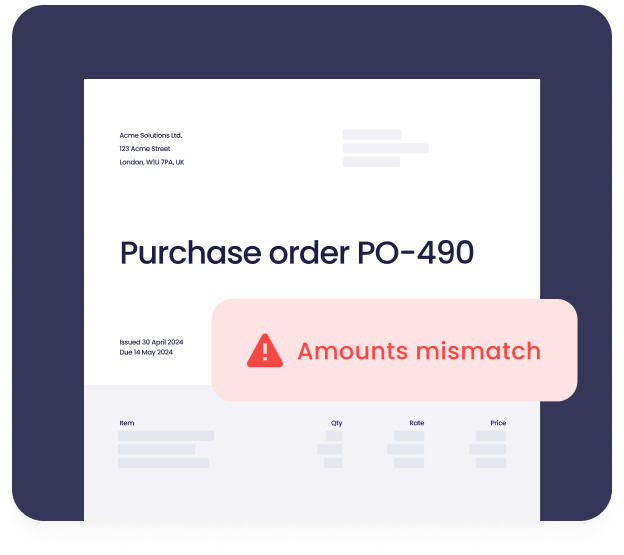
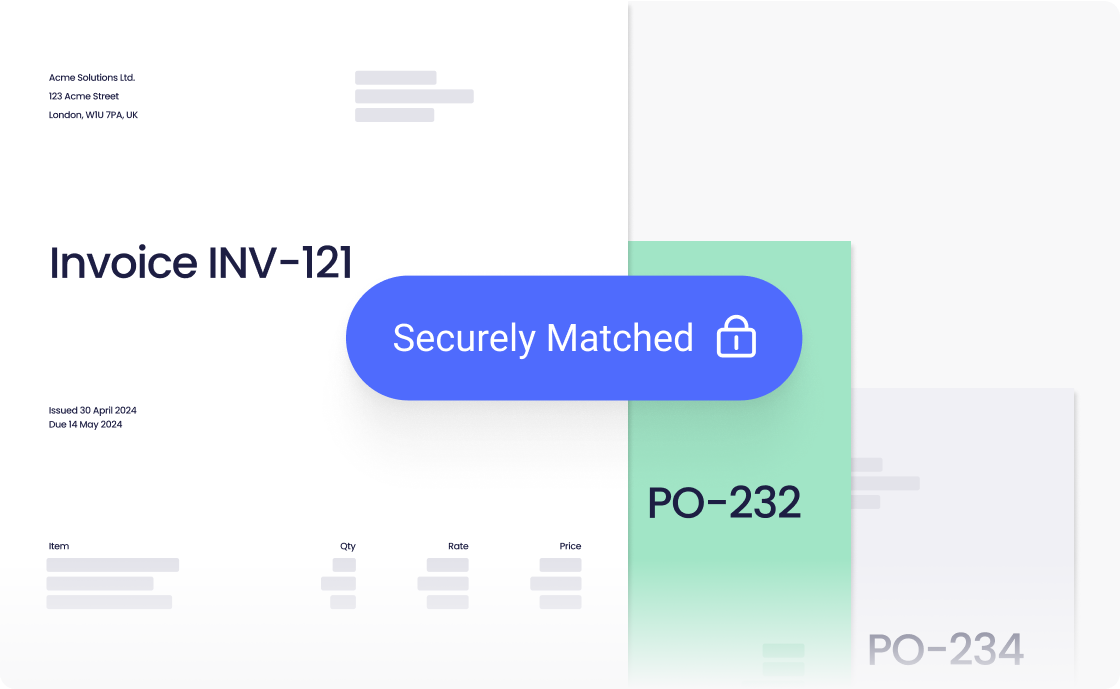
Match incoming bills to approved POs before they're approved for payment. Catch discrepancies before money moves.
Budget checking
Approvers see live budget impact at the moment of decision - not after the spend is already committed.
Supplier approval
Vet new suppliers against your policies before they're added to QuickBooks Online. No unauthorized vendors in the system.
Automated data capture
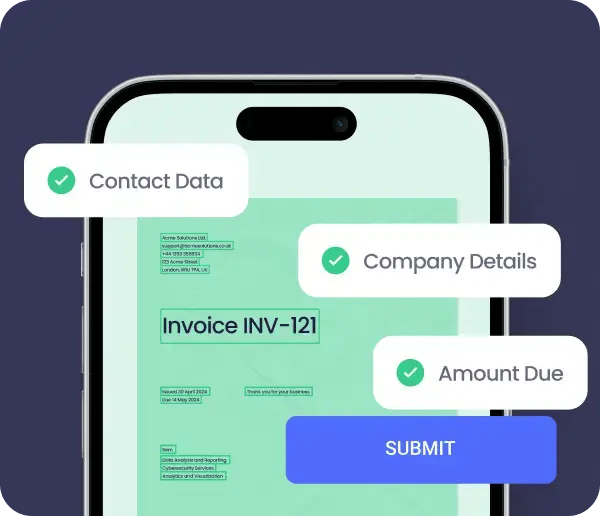
Import bills directly using ApprovalMax Capture, Dext, or your preferred data extraction tool.
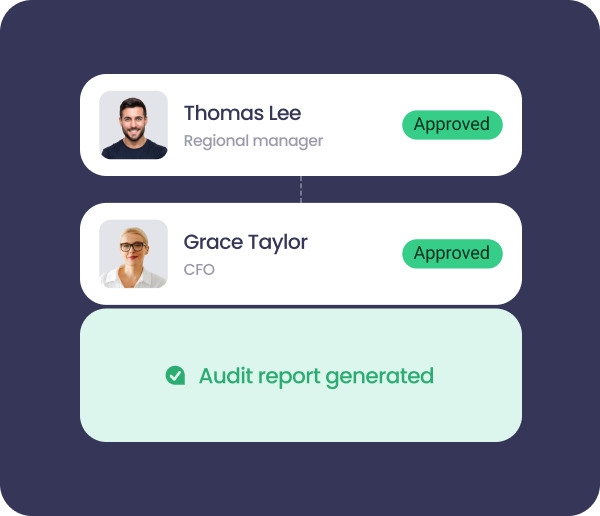
Stand-alone workflows
Approve requests that live outside your accounting system - time off, travel, contracts - with the same audit trail and routing logic.
Hear it from our customers
8 reasons to tighten your financial controls for QuickBooks users
Email approvals and Slack threads aren't a system of record. This guide covers the most common ways AP controls break down as businesses grow - and what good looks like when they're working properly.

About QuickBooks Online
QuickBooks Online is accounting software built for growing businesses - managing invoicing, expenses, and financial reporting. ApprovalMax adds the approval governance layer that QuickBooks Online doesn't include natively: automated routing, enforced spending policies, and audit-ready records for every transaction.